
Side Imaging vs Down Imaging: Which Sonar View Fits How You Fish
Side imaging vs down imaging, explained with Garmin's own specs: what each view shows, depth and mounting limits, and which one fits how you fish.
 Updated November 1, 2026
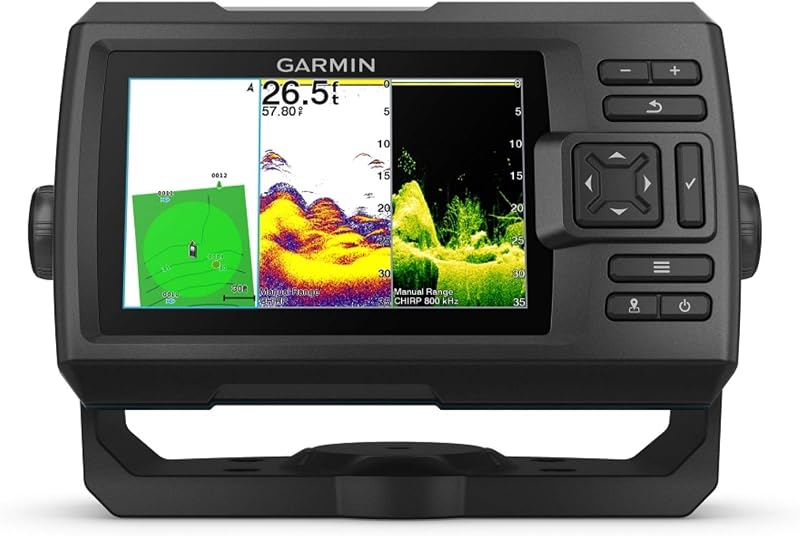
Side imaging vs down imaging comes down to what you want the screen to do. Down imaging draws the bottom and structure directly under the boat, so it is the better tool for reading a brush pile or ledge you already know. Side imaging draws what lies off each side of the boat, so it is the better tool for searching a long bank or flat for cover you have not found yet. If you mostly fish known spots, down imaging is enough. If you spend more time hunting for new water than fishing it, a side and down imaging fish finder earns the extra care it takes to mount.
The makers use different names for the same two views. Garmin calls them ClearVü and SideVü, Humminbird uses Down Imaging and Side Imaging (MEGA Down Imaging and MEGA Side Imaging on HELIX units), and Lowrance uses DownScan and SideScan, according to their Amazon listings. This comparison leans on Garmin’s published manuals and spec pages, which we opened and checked.
This guide is general product information, not repair or electrical safety advice. Follow the installation, wiring, and charging instructions in your product’s manual, stop using any battery, charger, or electronics that overheat, swell, or smell of burning, and contact the manufacturer.
The Two Units in This Comparison
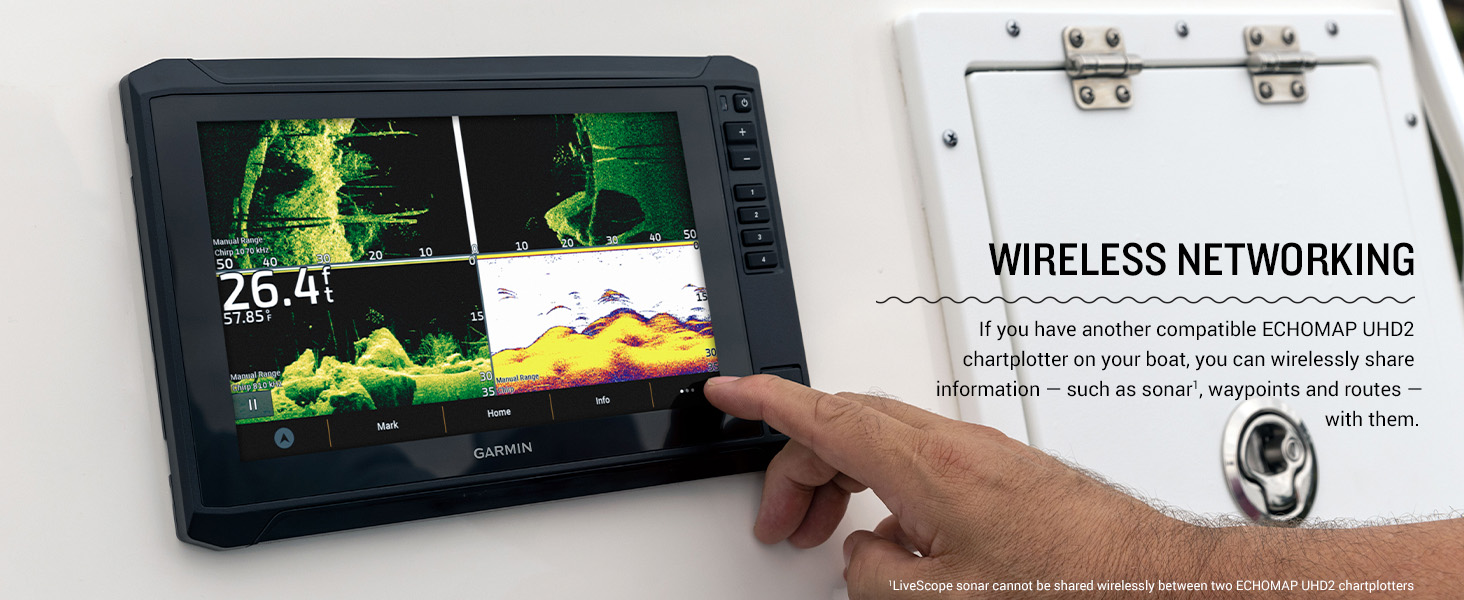
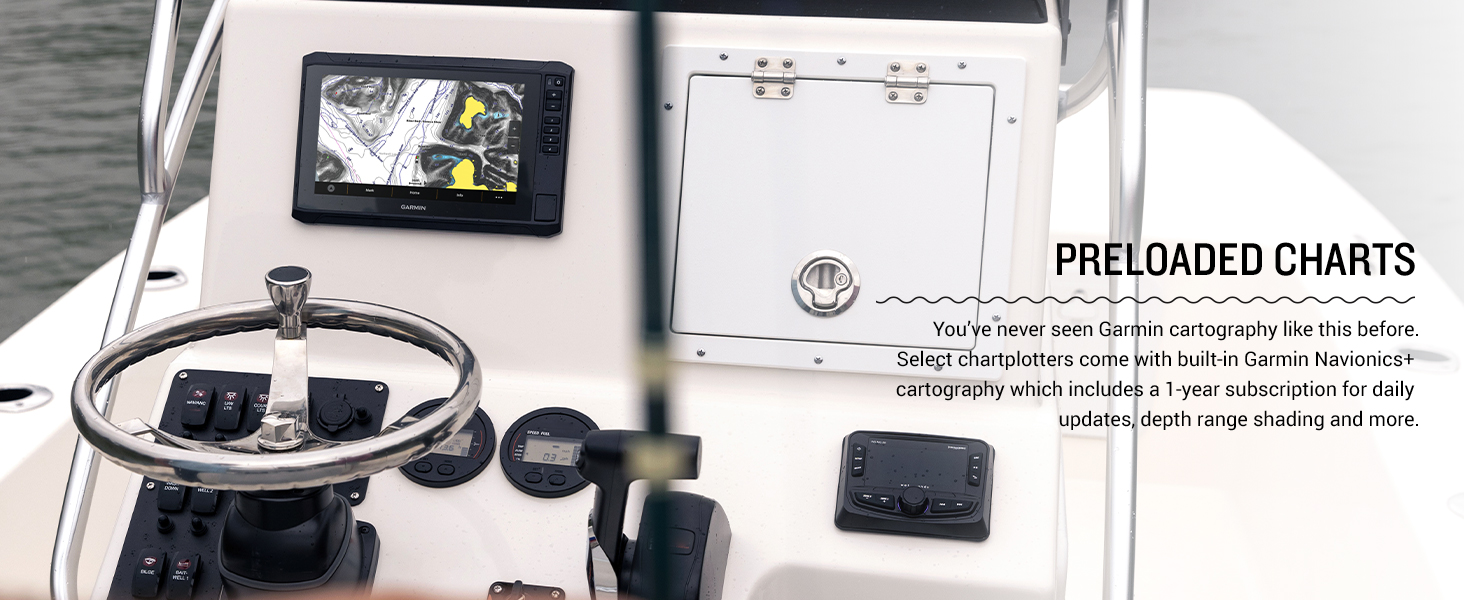
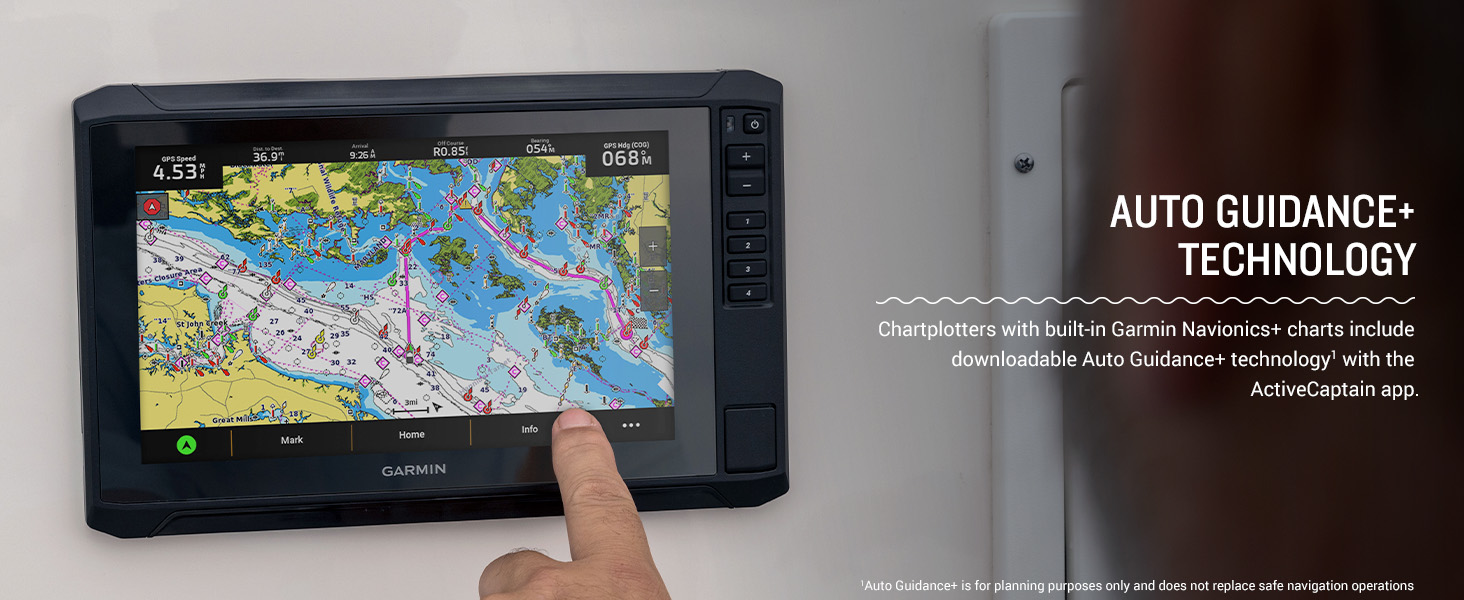
We use one Garmin unit with down imaging only and one that adds side imaging; they stand in for the two views and are not a ranking. The Striker Vivid 5cv runs traditional CHIRP plus ClearVü through its GT20-TM transducer. The ECHOMAP UHD2 73sv adds SideVü through its GT54UHD-TM transducer, and Garmin lists it as a larger touchscreen chartplotter with preloaded Navionics+ U.S. inland maps, so the two cards differ in more than the sonar view. Our ECHOMAP UHD2 73sv review covers its charts and networking.
The score on each card is its AnglerTechLab Score, calculated with the published method on our How We Review page; it is one factor in how we describe a product, not the result of a head-to-head comparison. The Vivid 5cv’s score has no editorial adjustment. The ECHOMAP’s score is 0.2 lower, counted once for two reasons: its owner ratings exactly match the listing for the 6 in ECHOMAP UHD2 63sv, so they may be pooled with that model, and its listing gives a 1,000 ft maximum depth while Garmin lists 800 ft for traditional sonar on the included transducer.
We earn a commission from qualifying purchases made through links on this page. Commissions never affect our rankings or AnglerTechLab Scores.
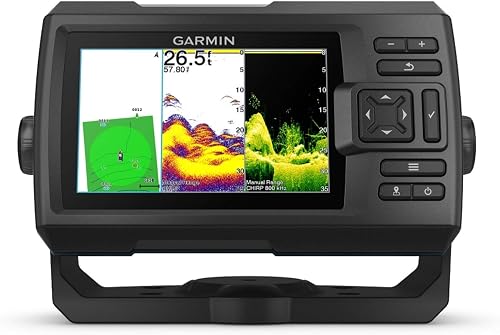
Garmin Striker Vivid 5cv with GT20-TM Transducer


As an Amazon Associate I earn from qualifying purchases.

Garmin ECHOMAP UHD2 73sv Chartplotter


As an Amazon Associate I earn from qualifying purchases.
Side Imaging vs Down Imaging: Specs Side by Side
Sources: Garmin’s Striker Vivid 5cv page, Garmin’s GT20-TM transducer page, Garmin’s ECHOMAP UHD2 73sv page, Garmin’s GT54UHD-TM transducer page, the STRIKER Vivid owner’s manual, and the two Amazon listings. Where no source states a figure, the cell says so.
| Feature | Garmin Striker Vivid 5cv (down imaging) | Garmin ECHOMAP UHD2 73sv (side and down imaging) |
|---|---|---|
| Imaging views | ClearVü only; traditional CHIRP for 2D (per Garmin) | ClearVü and SideVü, plus traditional CHIRP (per Garmin and the listing) |
| What the image covers | Fish and structure below the boat (per Garmin) | Fish and structure below the boat and to its sides (per Garmin) |
| Transducer in the box | GT20-TM (per Garmin and the listing) | GT54UHD-TM, also called the GT54-TM in Garmin’s box list and the listing |
| Imaging frequencies (head unit) | ClearVü 260/455/800 kHz (per Garmin) | ClearVü and SideVü 260/455/800/1000/1200 kHz (per Garmin) |
| Imaging beam | GT20-TM ClearVü: 2.5 x 53 degrees at 455 kHz, 1.6 x 29 degrees at 800 kHz (per Garmin) | GT54UHD-TM: ClearVü 0.94 x 60 degrees at 800 kHz; SideVü 1.62 x 50 degrees; UHD SideVü 0.441 x 52 degrees at 1,200 kHz (per Garmin) |
| Transducer maximum depth | GT20-TM: 750 ft ClearVü, 1,900 ft traditional (per Garmin) | GT54UHD-TM: 800 ft traditional CHIRP, 200 ft ClearVü, 500 ft SideVü, 125 ft UHD SideVü (per Garmin) |
| Display | 5.0 in (about 2.6 x 4.3 in), 800 x 480 pixels (per Garmin) | 7.0 in (about 6.1 x 3.4 in), 800 x 480 pixels, touchscreen (per Garmin) |
| Included mounts | Transom and trolling motor mounts come with the GT20-TM (per Garmin’s GT20-TM page) | Transom and trolling motor mounts come with the GT54UHD-TM (per Garmin’s GT54UHD-TM page) |
What Each View Puts on the Screen
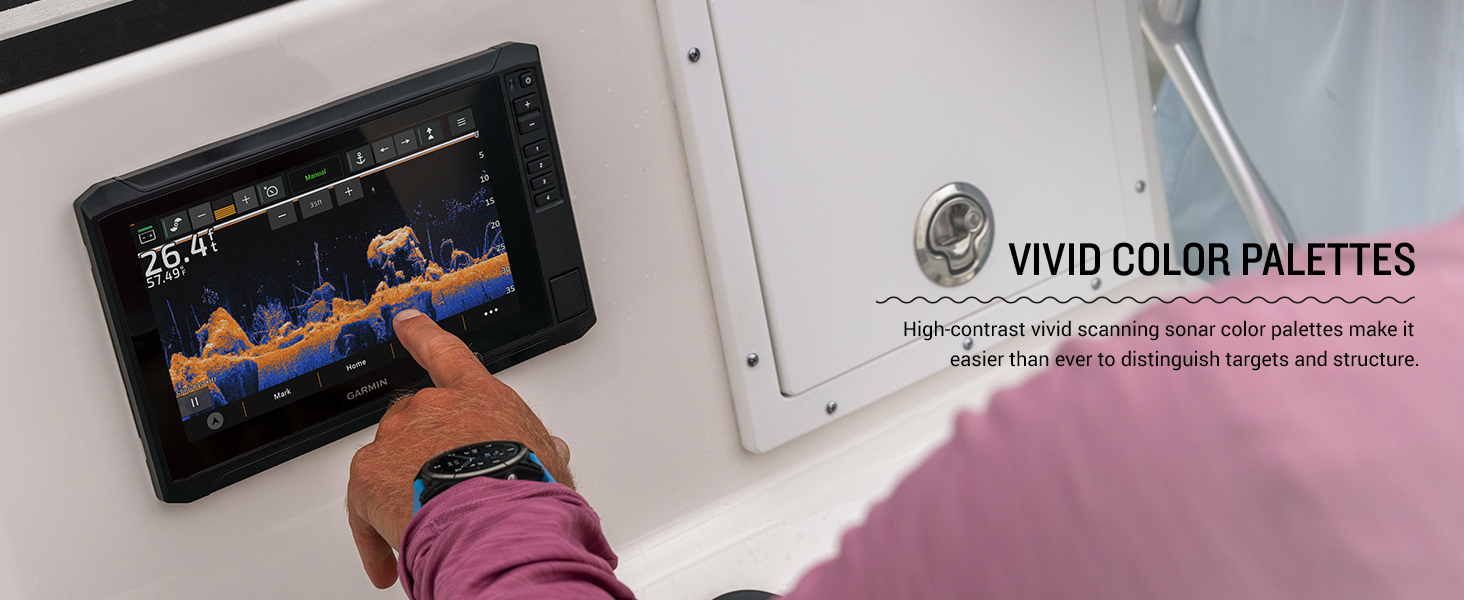
Both views scan with a thin beam instead of the cone of 2D sonar and draw the picture as the boat moves; the difference is where the beam points. Garmin describes ClearVü as excellent for displaying fish and structure below your boat and SideVü as excellent for fish and structure to the sides, and the STRIKER Vivid manual calls SideVü a search tool. In a side view, the middle of the screen is the water between the boat and the bottom, so the deeper you fish, the more of the center shows open water. That gap is why side imaging units also carry a down view.
Imaging shows the shape of the cover, and Garmin’s transducer selection guide says its traditional sonar is great for picking up soft targets, such as fish, that scanning sonar might miss, so keep 2D on screen too. For the basics of cones, echoes, and frequencies, see our explainer on how a fish finder works, and our guide to reading a fish finder screen shows how each view looks once it is running.
Searching New Water vs Reading a Known Spot
With down imaging you have to drive over a target to see it. That works when you have a waypoint on a brush pile or follow a creek channel you know; on an unfamiliar reservoir it means many passes to cover one point.
Side imaging shows cover off both sides on one pass, which is what Garmin means by a search tool. Run parallel to the bank, mark a laydown or rock pile off to one side, then swing over it and check it with down imaging and 2D.
Down imaging still has the edge for detail directly below the boat. If you fish vertically over offshore cover or hold the boat over a brush pile, that view matters more than coverage.
Depth, Frequency, and Boat Speed
Imaging uses high frequencies, and the STRIKER Vivid manual says bottom definition can be better at higher frequencies while lower frequencies perform better in deep water. Garmin’s transducer pages show how that plays out. For the GT20-TM, Garmin lists a maximum depth of 1,900 ft for traditional sonar but 750 ft for ClearVü. The 73sv’s GT54UHD-TM lists 800 ft for traditional CHIRP, 500 ft for SideVü, 200 ft for ClearVü, which runs at 800 kHz on this transducer, and 125 ft for UHD SideVü at 1,200 kHz. On this pair, the side imaging unit’s down view stops well short of the down-only unit’s, so check the transducer’s depth line, not just the view names. For deep lake trout or offshore water, plan on 2D doing the work below the imaging range.
Both views are drawn as the boat moves, so keep the scroll speed on Auto. The STRIKER Vivid manual recommends that setting for ClearVü and SideVü because it matches the scroll rate to boat speed and keeps targets in proportion. It also notes that, on those units, the range you set on one sonar screen applies to every screen except SideVü, so the side range is set on its own. Check your own unit’s manual for the same settings.
Transducer Mounting: Where Side Imaging Gets Pickier
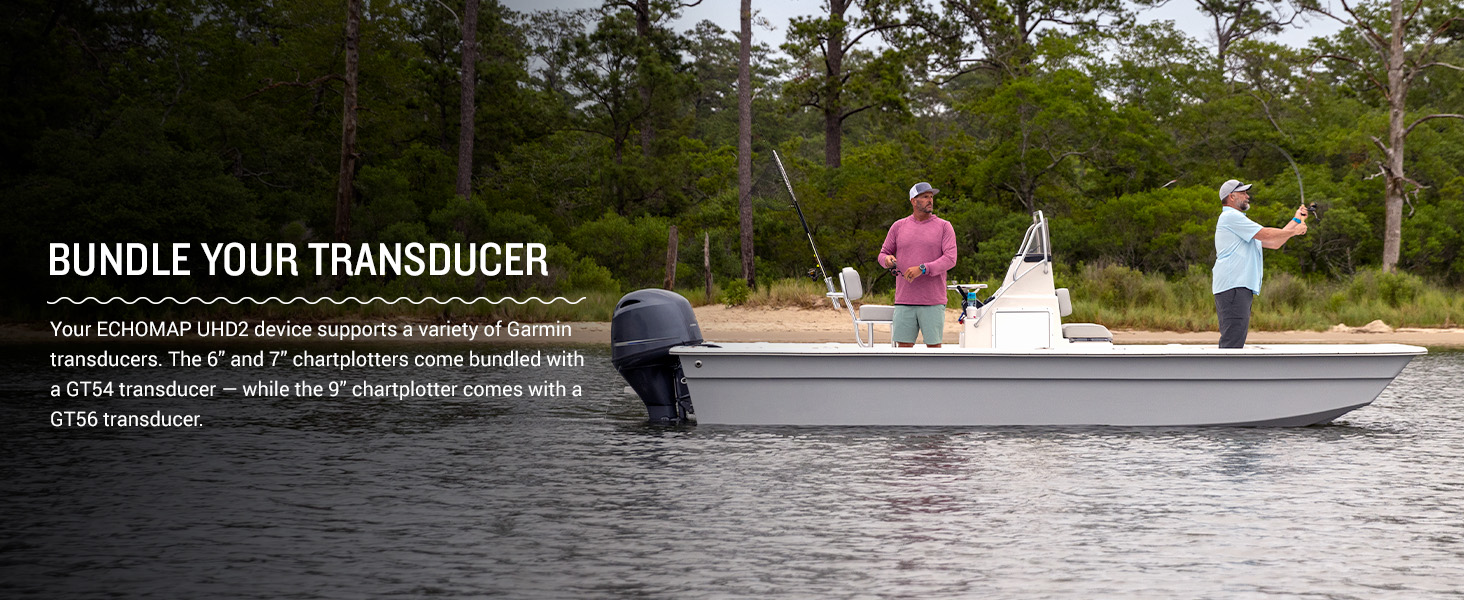
The GT20-TM ships with transom and trolling motor mounts, and Garmin’s page tells you to follow the installation instructions carefully to avoid damaging your boat. The GT54UHD-TM also comes with both mounts and a 20 ft cable, per Garmin, so measure the run from the transducer to where the display will sit before you drill. Side imaging needs a transducer that can see out both sides without the hull, motor, or trolling motor shaft in the way. The manual notes that a unit with built-in SideVü still needs a compatible SideVü transducer, and for thru-hull installs the selection guide recommends a thru-hull pair when a SideVü transducer is mounted where the deadrise is greater than 5 degrees.
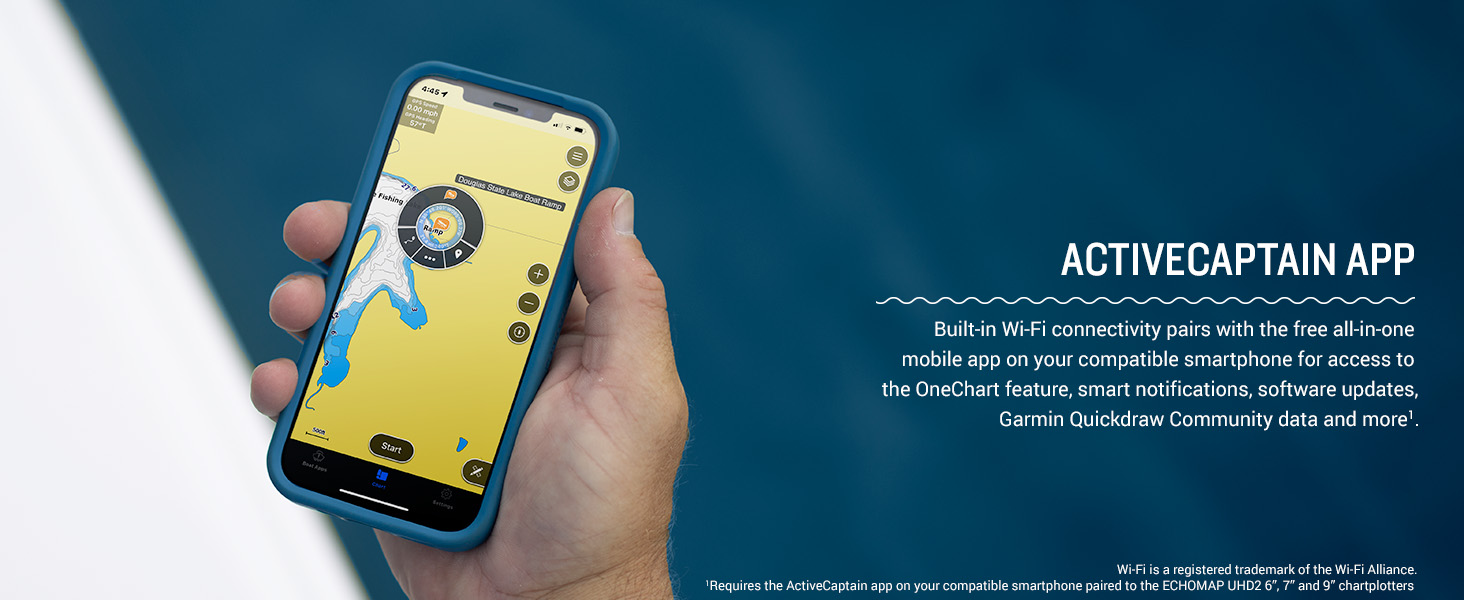
Mounting position also changes what the picture means. Per the selection guide, a trolling motor mount gives you the image from the bow where you fish, but the image follows wherever the motor points and the transducer hangs low enough to hit submerged objects; a transom mount performs well below 30 knots (34 mph). One 73sv owner called the installation straightforward: mount the transducer, feed the wires, install the brackets, and connect power, then update the software through the app.
If any part of the install involves running power to the unit, follow the wiring section of your manual and leave anything beyond it to a qualified marine electrician.
Which Should You Buy?
- You fish known brush piles and ledges on a home lake: down imaging, such as the Striker Vivid 5cv with its GT20-TM. Mark the cover as a waypoint with its built-in GPS and you can return to it. Skip it if you need to scan banks for cover you have not found.
- You search new water or long shorelines: a side and down imaging fish finder, such as the ECHOMAP UHD2 73sv. If you prefer a keyed Striker without preloaded charts, Garmin’s Striker Vivid line offers SideVü only on the 7 in 7sv and 9 in 9sv, per Garmin’s Vivid 7cv page. Skip it if you fish the same few spots or cannot mount the transducer where it sees both sides.
- You fish from a kayak: start with down imaging. Garmin’s Portable Fishing Kit page says its optional kayak in-hull transducer mount secures a GT20-TM to the kayak, the same transducer that ships with the Vivid 5cv. Skip side imaging unless your kayak has a mounting position that leaves both sides clear. One 73sv owner says it was easy to set up on a kayak and the screen is small enough to stay out of the way but big enough to see well.
- You fish deep water: neither view is the main tool; plan on 2D below the transducer’s listed imaging depth.
If you have already settled on down imaging alone, our picks for down imaging fish finders compare complete units. For every type of unit, start with our roundup of the best fish finders or browse the fish finders section.
Why You Should Trust Us
We do not conduct our own product trials. This comparison draws on Garmin’s owner’s manual, transducer selection guide, and product pages, the Amazon listing for each unit, and the owner reviews on the ECHOMAP UHD2 73sv listing (the Vivid 5cv listing had no review text we could read). Each AnglerTechLab Score starts from Amazon owner ratings, with a limited editorial adjustment where a listing conflicts with the maker’s published specifications. We earn a commission from qualifying purchases, and commissions never affect our rankings, recommendations, or scores. You can read the full method on our How We Review page.
Frequently Asked Questions
Do I need down imaging or side imaging on a fish finder?
Start with down imaging if you mostly fish spots you know, and add side imaging when finding new cover is the main problem.
Is side or down imaging better?
Neither is better across the board: side imaging covers more water per pass, and down imaging shows more of what is directly underneath.
Does a fish finder with side imaging also have down imaging?
Usually, yes. Garmin lists ClearVü and traditional CHIRP alongside SideVü on the ECHOMAP UHD2 73sv, and the Amazon listing for the Humminbird HELIX 7 G4 MEGA SI names both MEGA Side and MEGA Down Imaging. Check the transducer in the box, since that decides which views you actually get.
Can I add side imaging to a fish finder later?
Only if the unit supports it. The STRIKER Vivid manual says a model with built-in SideVü needs a compatible SideVü transducer, and a model without it needs a compatible sonar module and SideVü transducer. Garmin does not list SideVü for the Vivid 5cv, so if side imaging matters, buy a model that lists it.
About the author

Mason McKinney enjoys fishing Minnesota's lakes for crappie, walleye, and other freshwater species. He uses forward-facing sonar, GPS fish finders, and spot-lock trolling motors to locate fish around underwater structures and maintain precise boat positioning.